Website vs Web App vs Mobile App: What You Need
Most small businesses need a website first; a web app fits logins and workflows, and a mobile app fits daily repeat use. How to choose, with real US prices.
Most small businesses should start with a website, move to a web app when customers or staff need to log in and get work done, and build a mobile app only when people will open it often enough to keep it on their phone. The right choice depends on what users do, how often they do it and whether you need phone features like push notifications or the camera.
The three terms get used loosely, and that confusion costs money. Owners sometimes commission an app when a well-built website would have done the job, or they force a complicated workflow into a brochure site that was never designed for it. This guide defines each option in plain terms and gives you a way to decide.
Key takeaways
- A website informs and converts visitors; a web app lets signed-in users complete tasks; a mobile app lives on the phone and is built for frequent use.
- Websites are the cheapest and fastest to launch, and they are what Google and AI assistants index.
- Web apps run in any browser, so one build serves desktop and mobile users without app store approval.
- Native mobile apps make sense when you need push notifications, offline use, device hardware or a daily habit.
- Many businesses end up with a website plus one of the other two, sharing the same back end.
What each option actually is
Website
A website is a set of public pages that explain who you are, what you offer and how to buy or get in touch. It is built to be found on search engines and to turn visitors into calls, bookings or orders. A dental office, a roofing contractor or a coffee roaster in RiNo usually needs exactly this, and nothing more, at first.
Web application
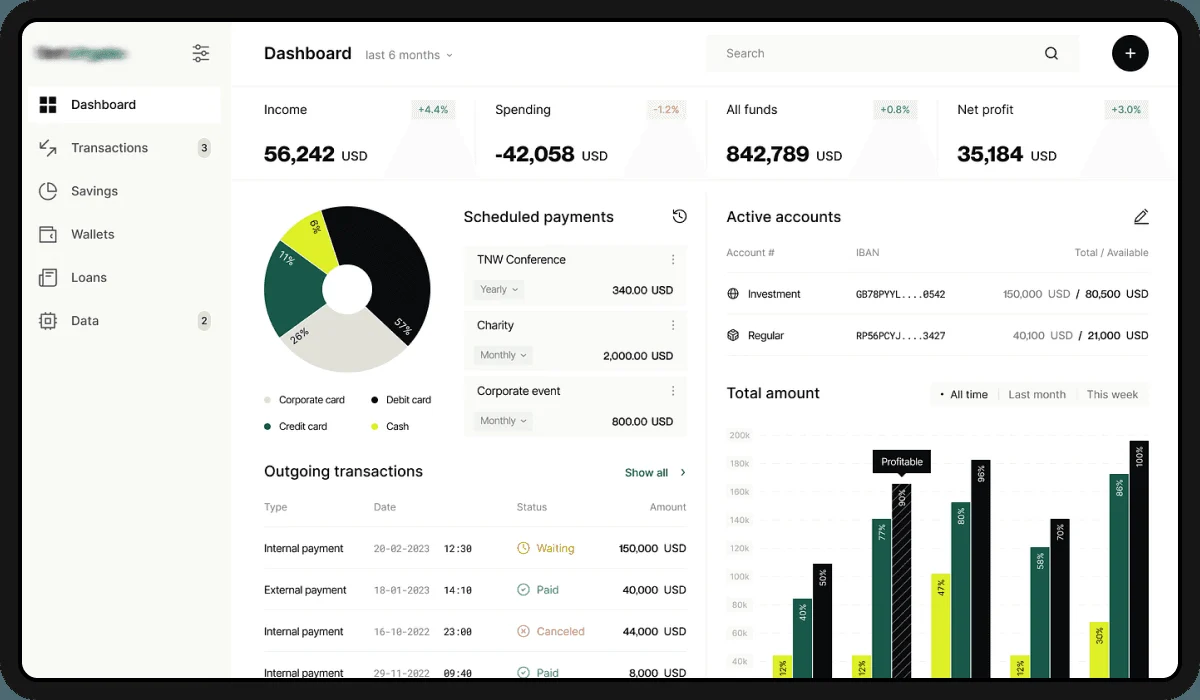
A web app is software that runs in the browser. Users sign in and do things: submit and track a job, view invoices, manage a subscription, schedule crews, upload documents. Think of a client portal for a Denver accounting firm or a booking dashboard for a property management company. It works on any device with a browser, and updates go live for everyone instantly.
Mobile app
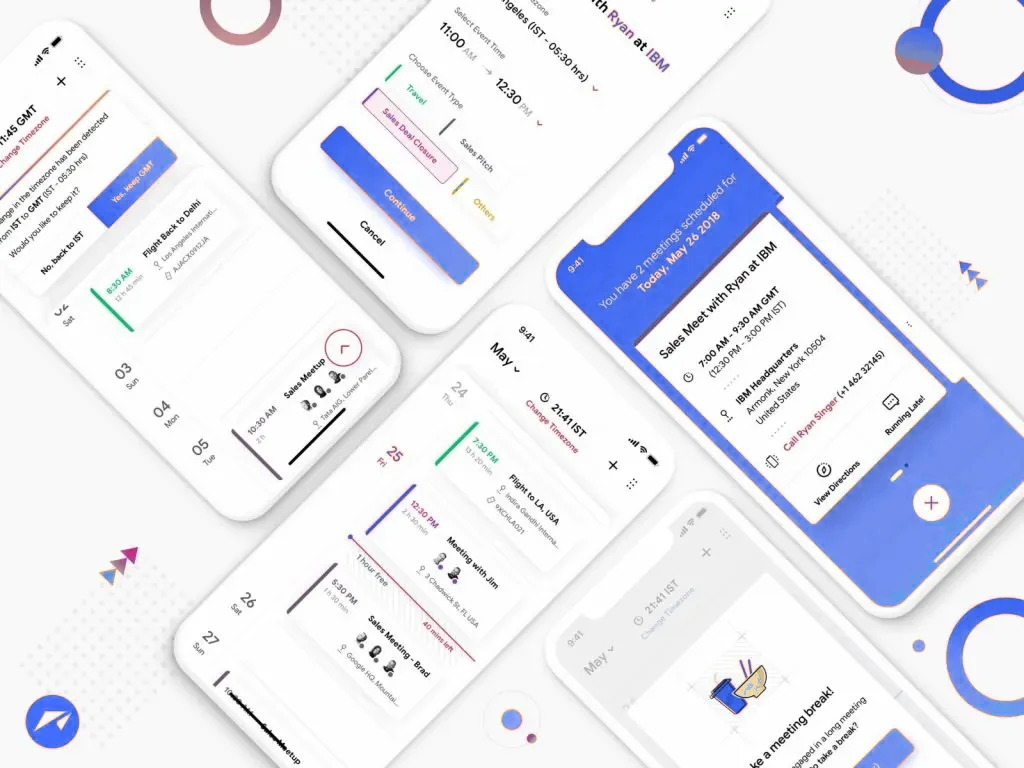
A mobile app is installed from the Apple App Store or Google Play. It can use the phone's camera, GPS, biometrics and notifications, work with poor or no connectivity and sit on the home screen as a constant reminder. Loyalty apps, field-service tools for technicians and fitness or habit apps are typical examples.
Side-by-side comparison
| Website | Web app | Mobile app | |
|---|---|---|---|
| Main job | Attract and convert visitors | Let signed-in users complete tasks | Frequent use on the phone |
| Found through search | Yes, fully indexable | Only its public pages | App store search, plus your website |
| Installation | None | None | Download from app stores |
| Device features | Limited | Some (camera, location in browser) | Full: push, offline, sensors, biometrics |
| Updates | Instant | Instant | Store review for each release |
| Kemafy starting price | $1,500 | From $15,000 | $12,000 Android, $15,000 iOS |
| Typical timeline | 1–4 weeks | 4–12 weeks | 6–12 weeks for most apps |
Five questions that decide it
- How often will a typical user come back? Once or twice a year points to a website. Weekly or daily use points toward an app.
- Do users need an account? If they need to see their own data, history or documents, you need at least a web app.
- Do you need the phone itself? Push reminders, barcode scanning, background location or offline mode are strong reasons to go native.
- How do new customers find you? If it is through Google, Maps or AI answers, a strong website comes first regardless of what else you build.
- Who will maintain it? Every platform adds upkeep. Two native apps plus a website means three things to update when iOS or Android changes.
Common scenarios and what we would recommend
A home-service company in Aurora
Homeowners search when something breaks and rarely return. A fast, locally optimized website with click-to-call and a quote form is the right investment. An app would sit unused.
A multi-location fitness studio
Members book classes several times a week. A website to win new members plus a mobile app for bookings, reminders and a digital membership card is a sensible pairing.
A B2B supplier with repeat wholesale buyers
Buyers reorder from a desk, need their pricing tier and invoice history, and do not want another app. A web app portal, linked from the public website, fits best.
A startup testing a new idea
Launch a website that explains the idea and a lean web app or progressive web app to validate demand before paying for two native builds. Once usage proves out, go native.
Budgeting for each path
At Kemafy, business websites run from $1,500 to $7,500 depending on pages and features, and custom web platforms start at $15,000. Mobile apps start at $12,000 for Android and $15,000 for iOS, and features are priced individually: user accounts $1,500, push notifications $1,000, in-app payments $2,000, chat $2,500, maps $1,200, offline mode $1,500 and an admin dashboard $3,500. Apple and Google also charge their own developer account fees, which sit outside any agency quote.
A useful rule: spend on the channel that brings customers in first, then on the one that keeps them. For most local businesses that means the website, then the app. You can explore features and costs on our mobile app development page, compare website packages on Denver web design services, or ask about turning an existing site into an app.
Can one build do all three?
Partly. A shared back end (the database and API) can power your website, a web app and native apps at the same time, so you only build business logic once. Cross-platform frameworks can also produce iOS and Android apps from a single codebase, which reduces cost compared with two separate native builds. What you cannot skip is designing each experience for how it is used: a phone screen held in one hand on a job site needs a different layout from a dashboard on a 27-inch monitor.
If you are unsure where to start, describe what your customers and staff need to do and we will tell you which option pays back first. Reach us through contact, call +1 720 645 6094 or email info@kemafy.com.
Frequently asked questions
Is a web app the same as a website?
No. A website mainly presents information to anyone who visits, while a web app requires users to sign in and lets them complete tasks with their own data. Many businesses run both on the same domain.
Do small businesses really need a mobile app?
Most do not at first. An app is worth it when customers use it often, such as for bookings, loyalty or ordering, or when staff need phone features in the field.
What is a progressive web app?
A progressive web app is a web app that can be added to the home screen, send some notifications and work partly offline. It is a lower-cost middle ground, though it cannot match every native feature.
Can my existing website be turned into an app?
Often, yes. A website can be wrapped or extended into an app, but the result is only as good as the site's mobile experience, so a review usually comes first.
Which is cheaper to maintain?
A website is cheapest to maintain. Native apps need updates as Apple and Google release new operating system versions and change store rules, so plan for ongoing support.